Finds the cheapest flight in 5.9 seconds.

Flash is an open computer-use agent. It drives a real desktop and checks its own answer before it calls a run done. 5.9 seconds is the median of three timed runs on live Google Flights.

Grok Bot took 5 minutes 36 seconds for the same task. That is 57x.

curl -fsSL https://flash.teddytennant.com/install.sh | sh
GitHub

Docker and one OpenAI key. MIT.

Same task, timed. n = 3 each

57x faster than Grok Bot.

Flash, median 5.9 s Three timed runs, each stopped on a verified answer.
Grok Bot, median 5:36 Minutes and seconds. Three runs, timed by hand from send to final answer.
Run Flash Grok Bot vs median
1 4.6 s 5:36 57x
2 5.9 s 7:21 75x
3 6.0 s 5:14 53x

Task: "cheapest nonstop RDU to NYC next Friday morning", live Google Flights, Oct 10, 2026. Grok Bot timed by hand from send to final answer; both stopped before paying. Product against product, and nothing here says whether Grok Bot's answers were right.

How it works

A small classifier reads your message first.

Before any browser opens, one call to OpenAI's Decisions API (gpt-6-luna) answers six yes/no questions about the message, a probability each: needs doing now, is a watch, missing a detail, wants to buy, just conversation, about flights. No text is generated; about a hundredth of a cent and a quarter of a second a call, 58 of 58 test prompts routed right. The same call scores the finished answer before Flash calls the run done. It sits behind one small interface, questions in and a probability each out, so any decision model that answers that way can replace it: an adapter for TypeSafe AI's Jev is included, switched on with one setting.

Request cheapest nonstop RDU to NYC next Friday morning
Classifier357 ms
needs doing now
1.00
is a watch
0.00
is missing a detail
0.00
wants to buy
0.00
is just conversation
0.00
is about flights
1.00
nowwatchaskbook
Done gate1,062 ms
route_matches
1.00
date_matches
0.99
nonstop
1.00
time_window_matches
1.00
is_cheapest_shown
0.98
on_fare_results_page
1.00
booking_started
0.00

Pass. booking_started stayed at 0.
5.9 s, stage by stage.

The median run as logged. 4 model calls: 2 agent turns on Sol ultrafast, 2 Decisions calls for routing and checking. About 4.5 cents a run.

Route
357 ms
Attach
14 ms
Act
4,478 ms
Gate
1,062 ms

Run 2 of 3, the median. Stages add to 5,911 ms; the run's clock read 5,899 ms, so the stages overlap by 12 ms.

Watch a fare with zero model calls.

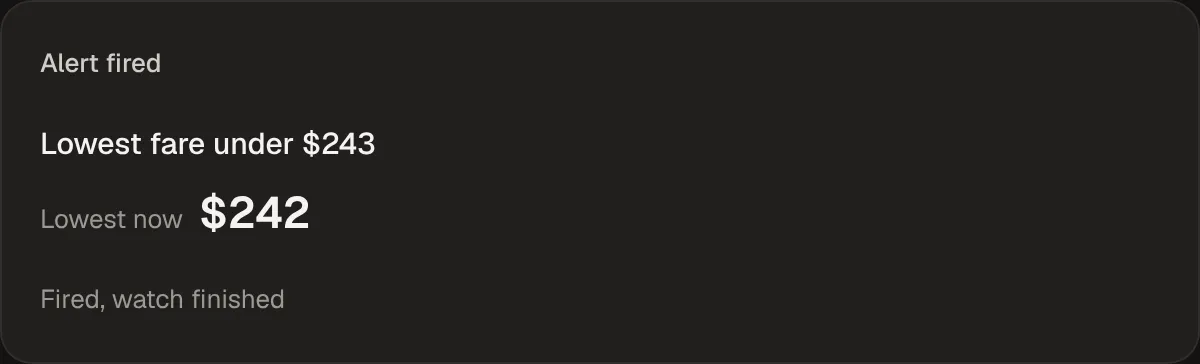
The first run is compiled to a script. Every check after that replays it with no model in the loop, and alerts you when the price drops. Measured on the RDU to NYC fare with the threshold a dollar above it: fired in 29.8 s, 0 model calls during checks.

A fare watch card in the Flash app: the alert fired, the lowest fare under $243 it watched for, the $242 it found, and that the watch finished.
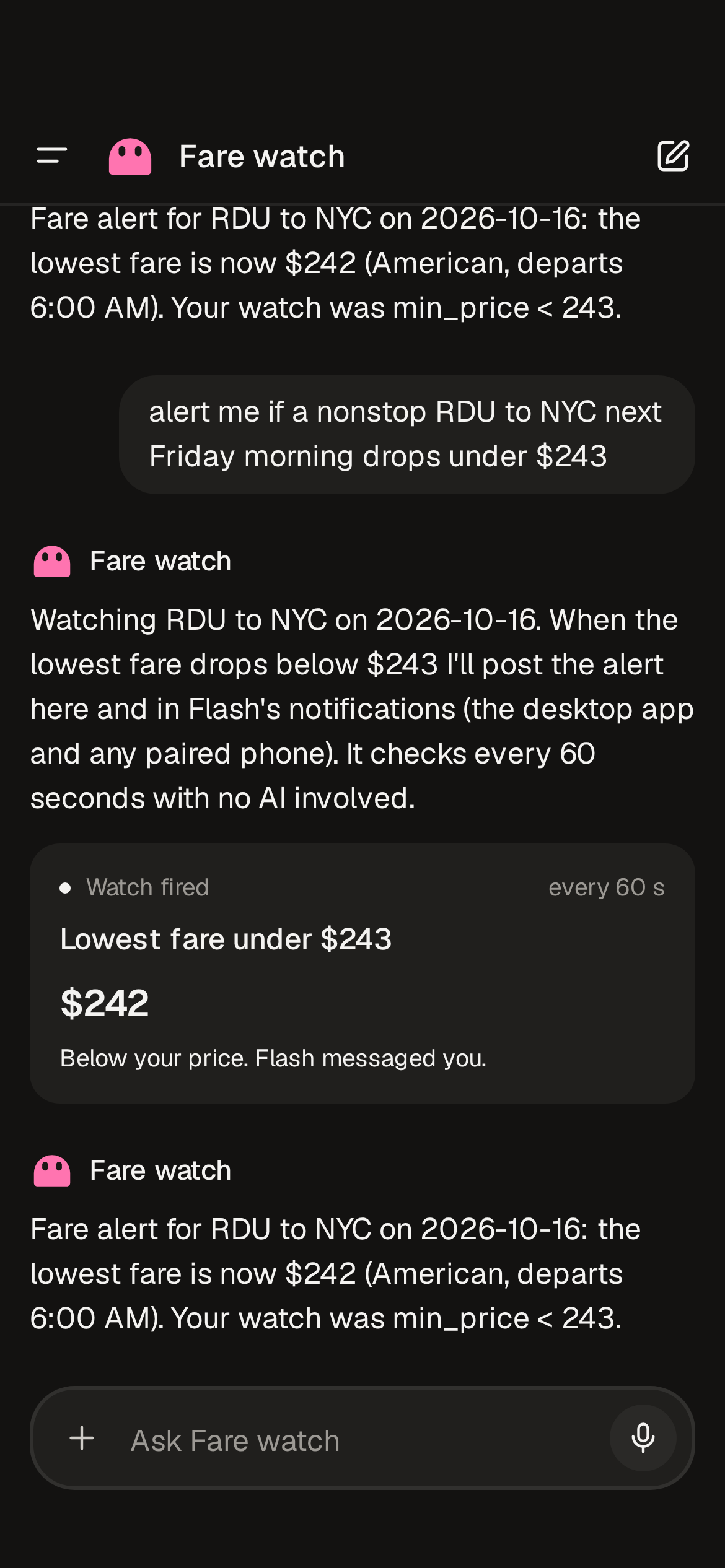
The threshold sat a dollar above the fare, so the first scripted check fired it.

One agent per job.

Each agent keeps its own thread and its own face. Desktops start in Docker on your machine, and you can watch every click.

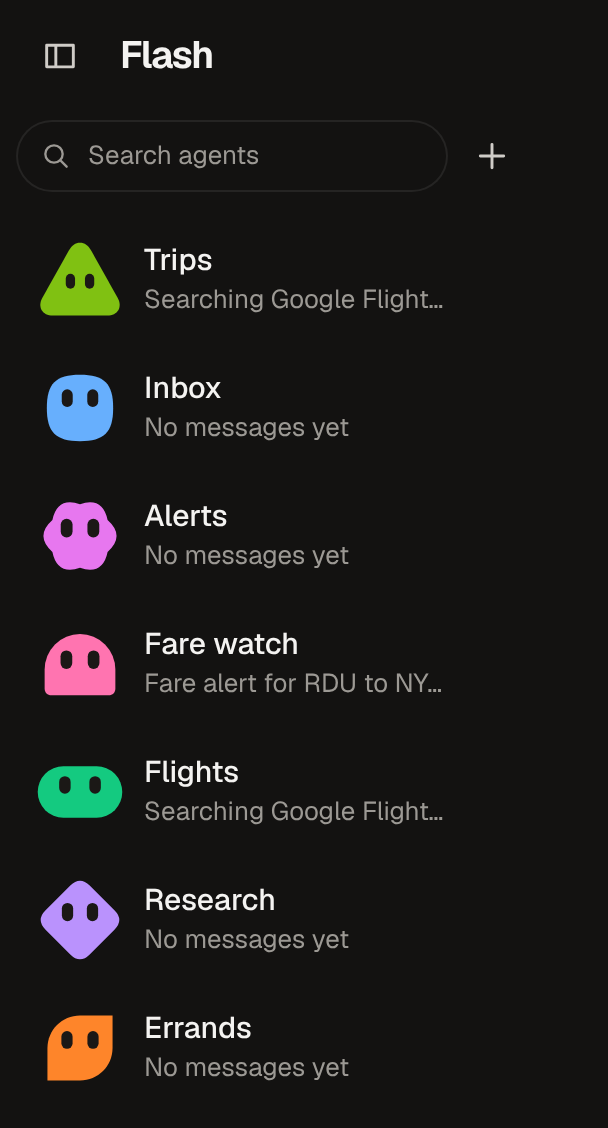
Two agents in the Flash app, Flights and Fare watch, each with its own colored face and the last line of its thread.

Take it with you.

The phone app pairs with your computer and runs the same agents from your pocket. Send a task, watch the live desktop, and get an alert when a fare watch fires.

The Fare watch thread in the phone app: the watch card with the fare it waited for and the price it found.
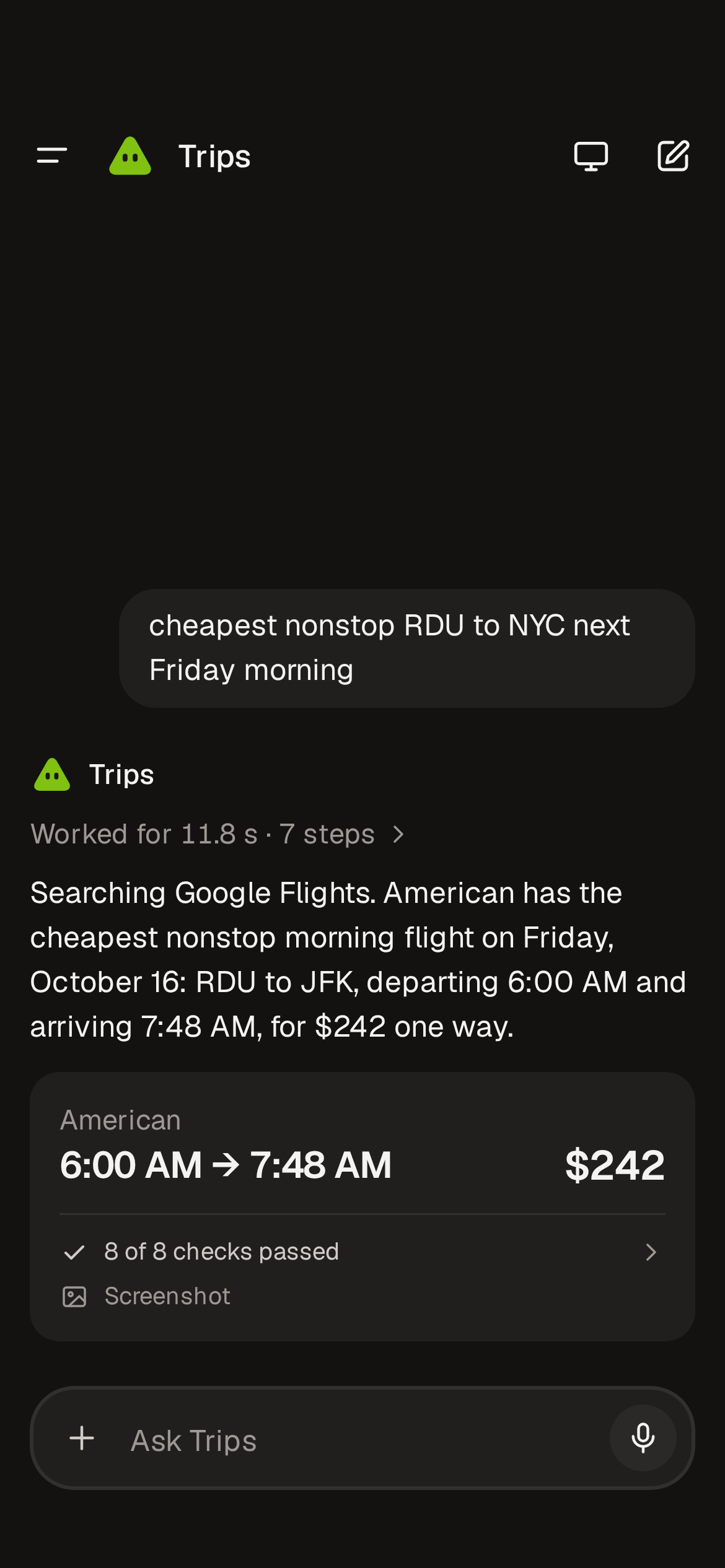
A thread in the phone app: the request, the agent's reply with how long it worked, and the cheapest flight found with the checks it passed.

Install

One command. Flash runs on your machine and starts its desktops in Docker.

curl -fsSL https://flash.teddytennant.com/install.sh | sh

Needs Docker running and one OpenAI key, asked once and kept in ~/.config/flash/config.json, mode 600. Uninstall with the same line plus -s -- --uninstall.

Docker Desktop, running. The installer downloads the latest release, checksum verified, installs the app and a flash command, gets the desktop image, asks for the key once, and opens the app.

The desktop build is unsigned for now, so the first open is right-click, Open.